Future-proof Java desktop applications — no rewrites, just results.
Equo delivers enterprise-ready tools to modernize SWT and Eclipse RCP applications with high-performance rendering, Chromium integration, and long-term support — all without disrupting your existing codebase.










Enterprises modernizing mission-critical applications with Equo.
100%
OF THE CODE REMAINS
UNCHANGED
99%
LOWER COST OF MODERNIZING
A LEGACY JAVA APP
95%
FASTER DELIVERY WITH
REDUCED TEAM LOAD
0%
MAINTENANCE OVERHEAD
12X
FASTER APPLICATION
MODERNIZATION
Why SWT Evolve?
Enterprises that keep relying on outdated SWT and legacy rendering engines face more than just high maintenance costs. They risk poor user experiences, lost developer productivity, and customer dissatisfaction. Accepting the status quo means locking yourself into expensive rewrites later. With Equo, modernization happens instantly, efficient, and future-proof — no compromises, no rewrites.
Upgrade your SWT/Eclipse RCP application with SWT Evolve, without a single rewrite. It replaces SWT’s legacy rendering with a modern, GPU-accelerated engine behind the same org.eclipse.swt.* APIs, so your Java code stays intact while the application becomes modern, themeable, and browser-ready.

Get a free SWT Evolve Proof of Concept
See your own application modernized — no commitment, no changes to your codebase.
What makes it enterprise-grade?
Updates to the latest rendering engine in < 1 week
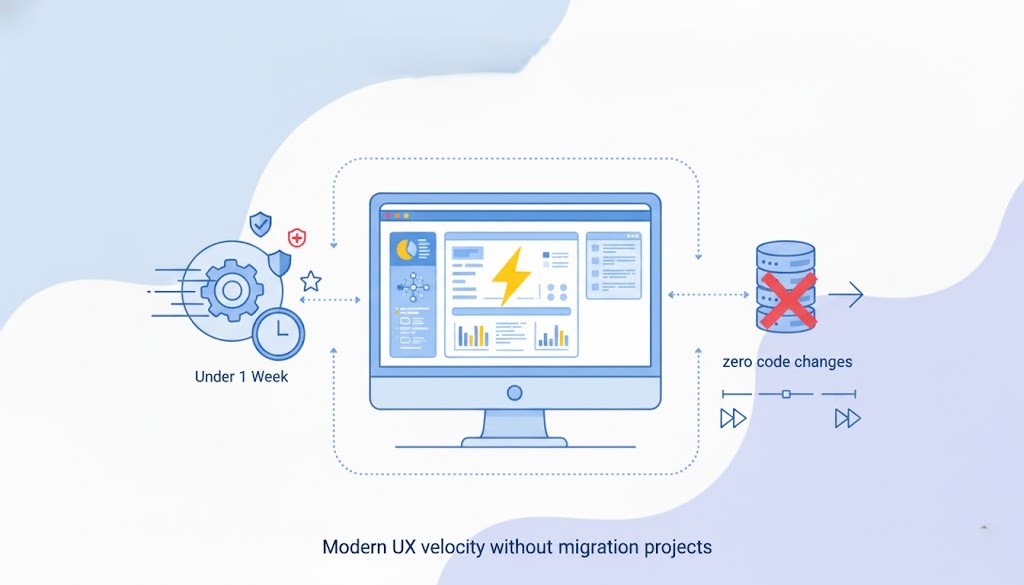
SWT Evolve embeds a performant rendering engine and abstracts it behind the SWT API. When a new stable modern rendering engine version ships, we swap the engine without touching your application code, delivering fresh UI capabilities, performance fixes, and security patches in under a week. Result: modern UX velocity without migration projects.
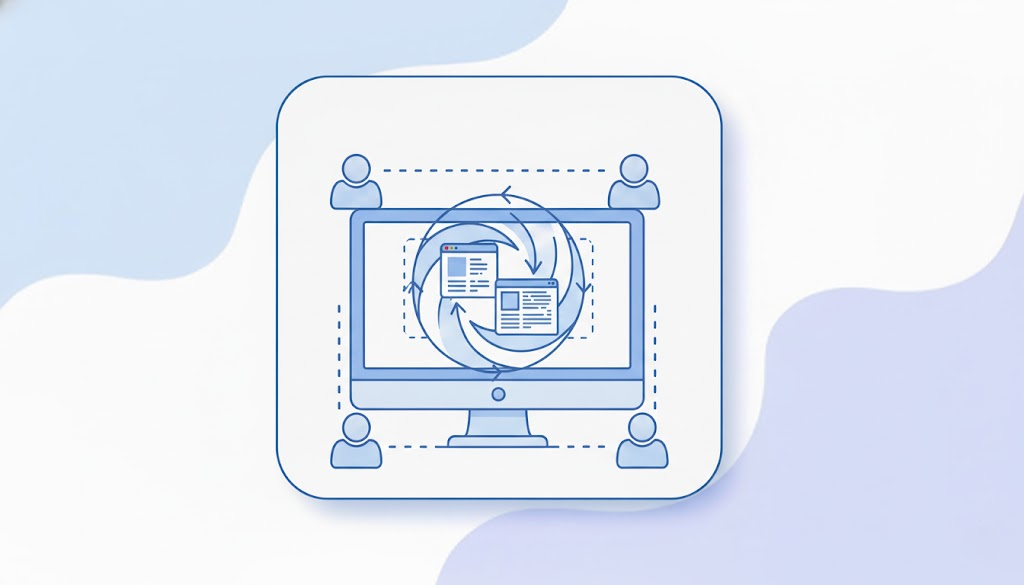
End-to-End Application Modernization
Let our expert team modernize your SWT / Eclipse RCP applications — efficiently, safely, and without rewriting.
Drop-in compatibility
SWT 3.x & 4.x supported; full class hierarchy preserved.
Works with existing layouts, events, and custom widgets; no business-logic changes.
Old OS compatibility paths available to keep long-lived deployments running.
Google Font Support
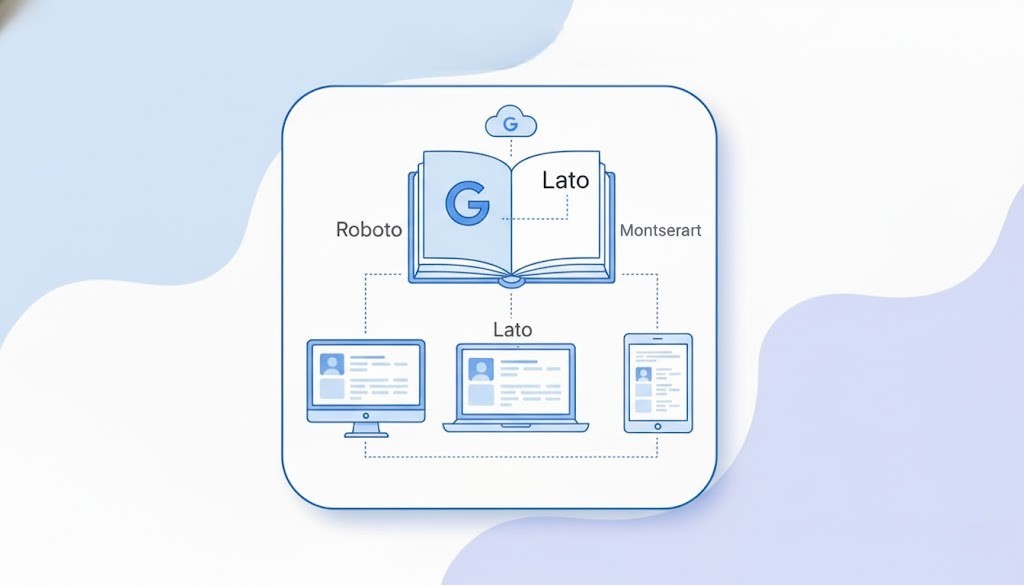
Enable modern typography with seamless integration of Google Fonts across your applications.
The Enterprise Edition allows organizations to centrally manage, cache, and apply Google Fonts for consistent branding and improved readability, both on desktop and web deployments, without relying on external CDNs.
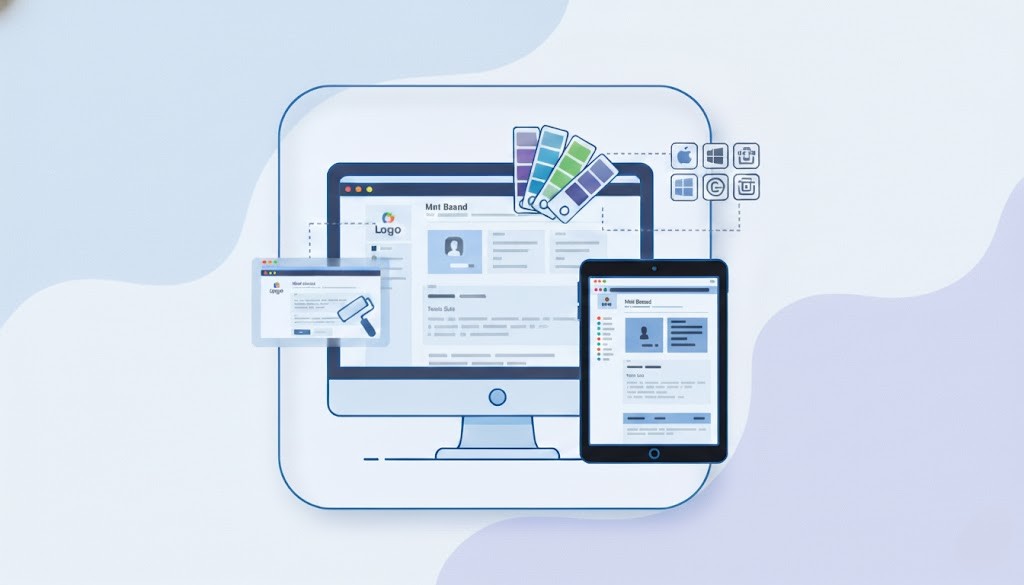
Corporate theming & branding
Global theme + per-widget overrides; dark/light; high-contrast.
Consistent UX across OSs — or adopt native look (Fluent/macOS/Yaru/Material/Cupertino).
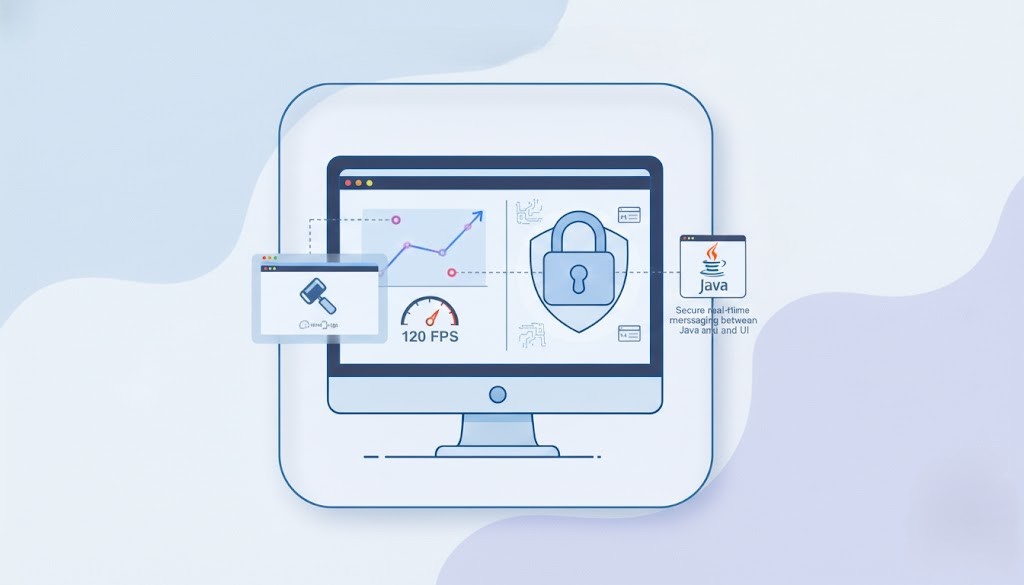
Performance & security
GPU rendering, target 60–120 fps; reduced jank on complex views.
Hardened, built-in secure real-time messaging between Java and the UI runtime (no ad-hoc sockets).
Optimized, high-performance library footprint.
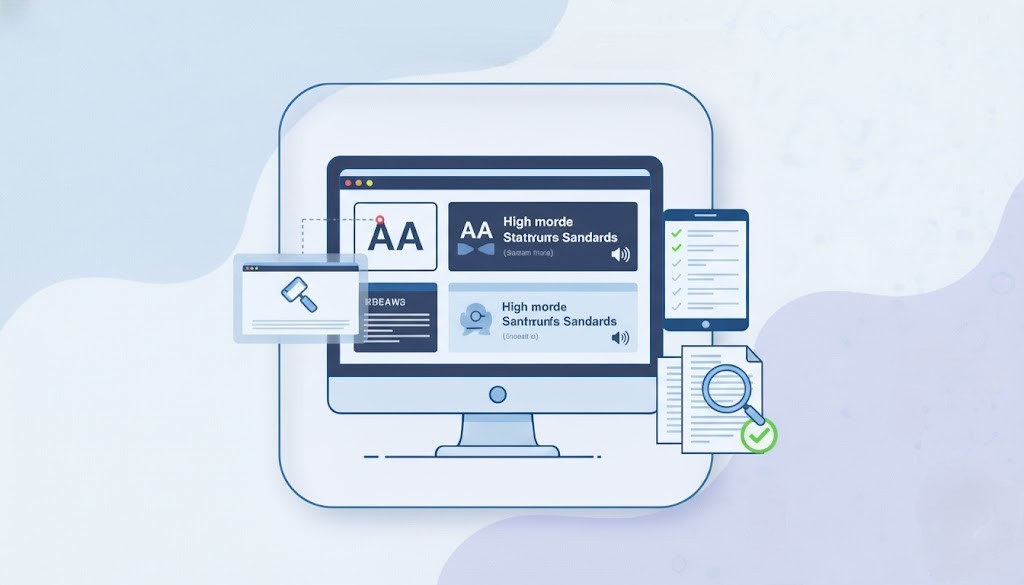
Compliance & accessibility
Leverage integrated tools to ensure your application meets industry-standard compliance and accessibility (WCAG) requirements.

Production delivery
Signed, notarization-ready binaries (incl. macOS).
LTS windows and predictable update channels.
Ready-to-use binary repositories.
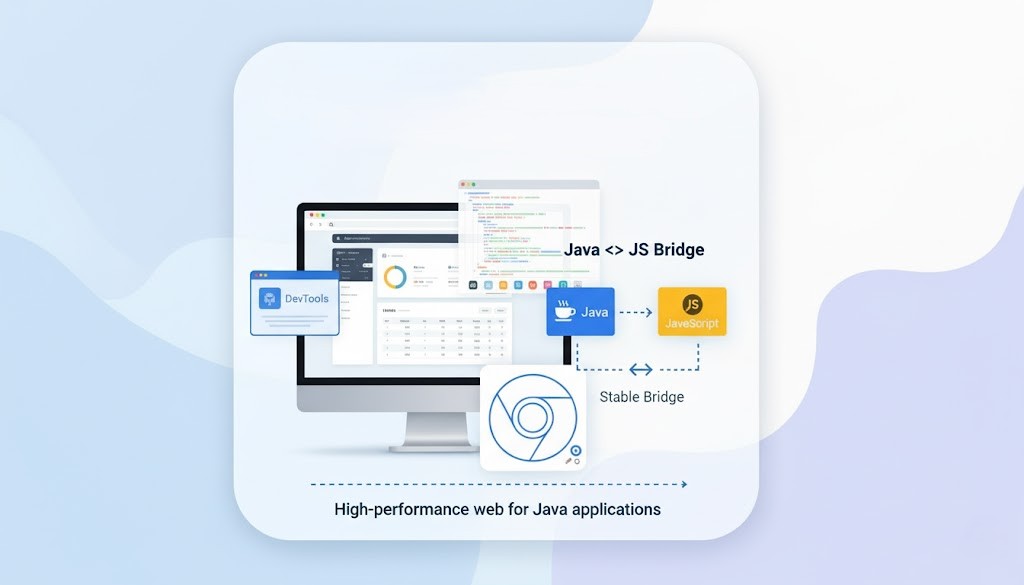
Equo Chromium (inside SWT Evolve)
When your app needs embedded web or advanced HTML5 features, Equo Chromium slots in seamlessly:
High-performance Chromium browser for Java applications (ARM/legacy OS options, codecs, offline support).
Devtools for all modern web frameworks.
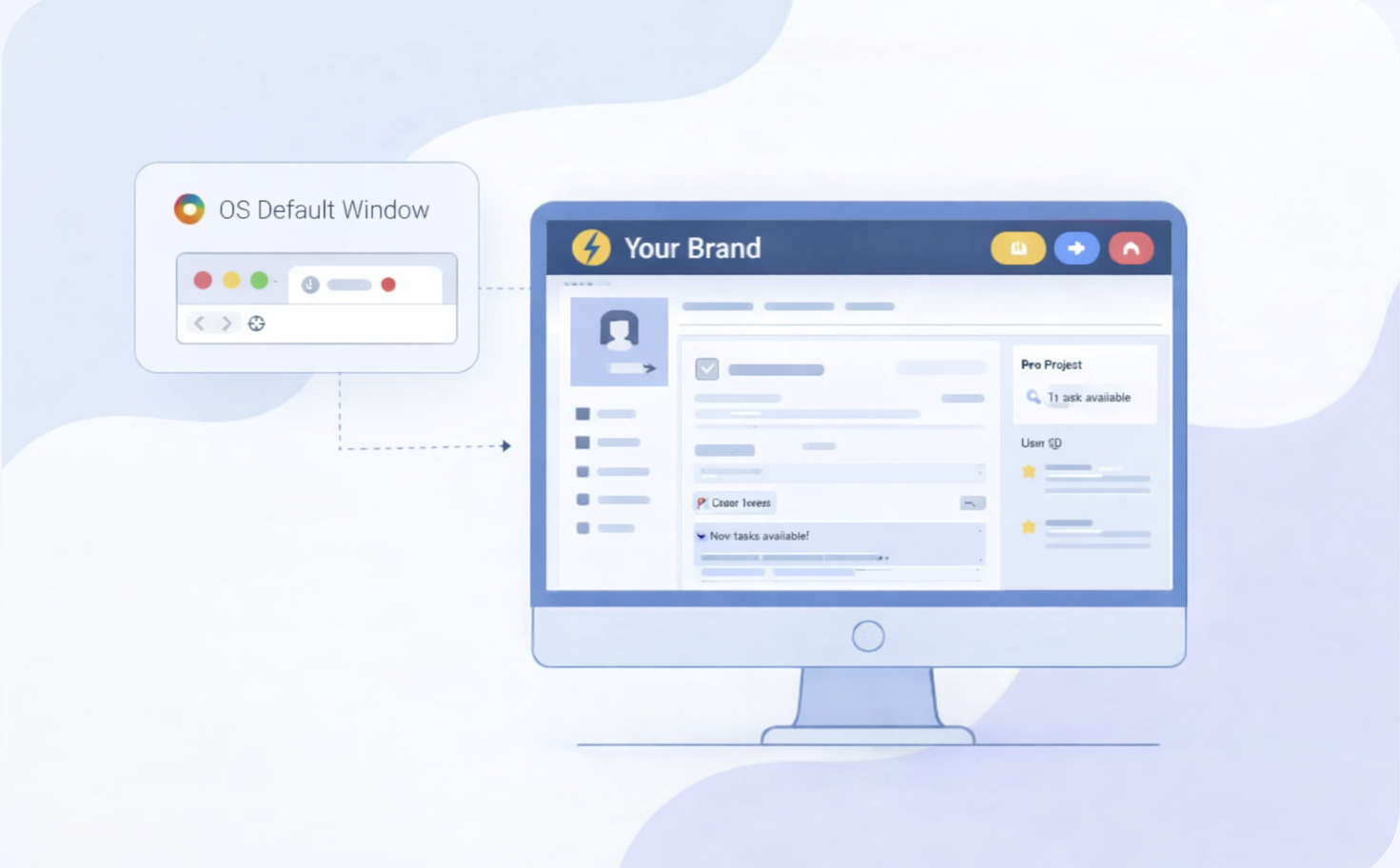
Client-Side Window Decorations
Take full control of your application window.
Replace OS-controlled title bars and window decorations with fully customizable client-side decorations, enabling modern, branded, cross-platform experiences without sacrificing native window behavior.
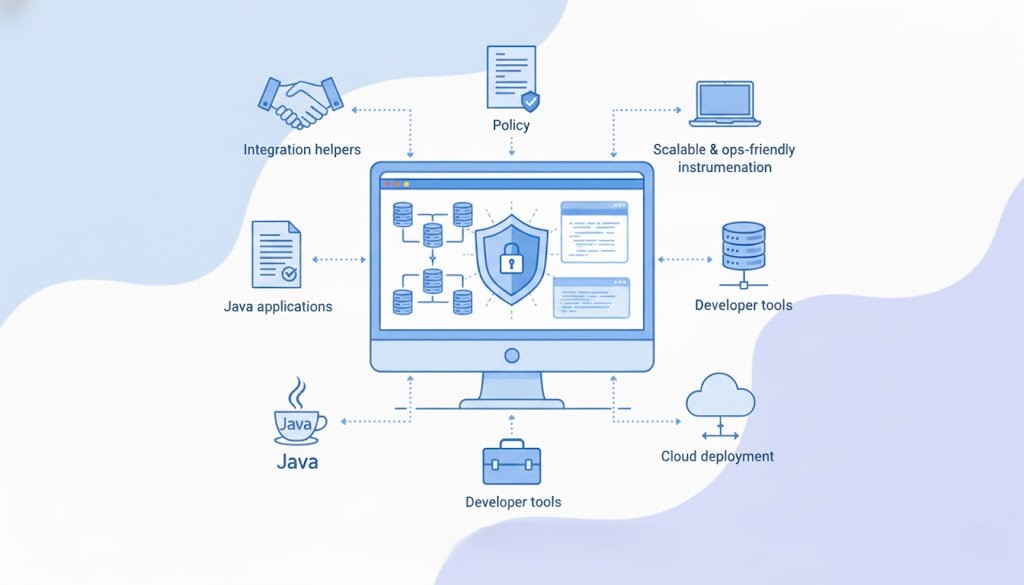
Equo SDK
Access powerful middleware and developer tools to build secure, efficient, and scalable Java applications.
Why this approach matters? (rewrite vs. Equo)
A ground-up rewrite shifts teams to a new stack, new logic, and a long, risky timeline. Equo preserves your codebase and skills, so engineering time goes to features your users see — not to re-implementing what already works.
Keep Legacy SWT | Full Rewrite (new stack) | Equo | |
|---|---|---|---|
| Time to value | N/A (no UX improvement) | Years | Weeks |
| Opportunity cost | High | High | Low |
| Upfront cost | Low | Very high (hire/retrain, dual-run) | Low-Medium |
| Delivery risk | Low | Very high (scope creep, rewrites) | Low |
| UX outcome | Outdated UI/UX | Modern, eventually | Modern now (GPU, animations, theming) |
| Cloud / Browser | No | Yes, but only after rewrite | Yes (browser mode without rewrites) |
| Talent / Skills | Keep Java | New stack + retraining | Keep Java |
| Security & compliance | Aging surface | Re-implement controls | Enterprise modules |
| Maintenance | Rising costs | New long-term burden | LTS, vendor supported |
Migrate to cloud
“Web-ready” gets your SWT application running in the browser. Migration to Cloud goes further: it delivers your app as a centrally managed, secure, scalable service on AWS/Azure/GCP (or private cloud) while you keep the same Java/SWT codebase.
Why it matters?

Centralized ops, zero installs: IT ships one managed service instead of maintaining desktop installs. Updates roll out instantly to every user.
SaaS at your pace: Multi-user access, environments (dev/stage/prod), usage-based scaling, and regional deployments.
Faster releases: Plug into your CI/CD; ship UI and back-end changes with repeatable pipelines and rollbacks.
What you get? (beyond “web-ready”)
Cloud deployment model: Containerized JVM back end; SWT Evolve renders the application in the browser and connects via a secured real-time bridge.
Identity & access: SSO/OIDC/SAML, role-based access, audit logs.
Operations: Autoscaling, monitoring/metrics/logging, centralized config, backups/disaster recovery, WAF and network policy integration.
Governance: Data residency options, compliance/a11y tooling, signed artifacts and controlled release channels.
What changes vs. what stays the same?
Stays the same: Java business logic, SWT semantics (layouts/events), build tools (Maven/Gradle), tests, CI habits.
Evolves: Rendering target (browser), packaging (containers/K8s optional), identity/ops are centralized and policy-driven.
Outcome
You move from “an app installed on every desktop” to “a managed enterprise service”: easier to secure, simpler to scale, faster to update, and no code rewrite standing in the way of your roadmap.
Enterprise Benefits Overview
Capability | Community | Enterprise |
|---|---|---|
| Engine updates < 1 week |  | |
| End to end modernization | | |
| Ready-to-use binary repositories | | |
| Web deployment | | |
| Corporate theming & branding | (global + per-widget) | |
| Google fonts support | | |
| Compliance & accessibility tools | | |
| Advanced performance & security | (GPU/Skia, hardened Comm API) | |
| Application analytics & interaction telemetry | | |
| Signed binaries & macOS notarization | | |
| Equo Chromium integration | (codecs, DevTools, offline, ARM) | |
| Client-Side Window Decorations | | |
| Equo SDK modules | (middleware/DevTools) | |
| Enterprise Support (LTS/SLA) | | |
| Cross-Platform Support (Windows, macOS, Linux) | | |
| Modern Widget Rendering | | |
| Basic theming (default theming for all users) | | |
| SWT 3.x/4.x + old OS compatibility | (Only the last version of SWT is supported) | |
| Optional Equo Chromium OSS integration | | |
| Community-driven updates | | |
| Built-in real-time comms | (Basic real-time comms) | (Secure efficient comms) |
Ready to Modernize Your Enterprise Applications?
Modernize your SWT / Eclipse RCP applications without a single rewrite.
Our experts can help you bring your existing software to a modern experience in just a week.

© 2026 Equo Tech, Inc.
Please insert a valid email address
Channels