Combo Examples
Instances of this class are controls that allow the user to choose an item from a list of items, or optionally enter a new value by typing it into an editable text field.
Column Layout Form Snippet
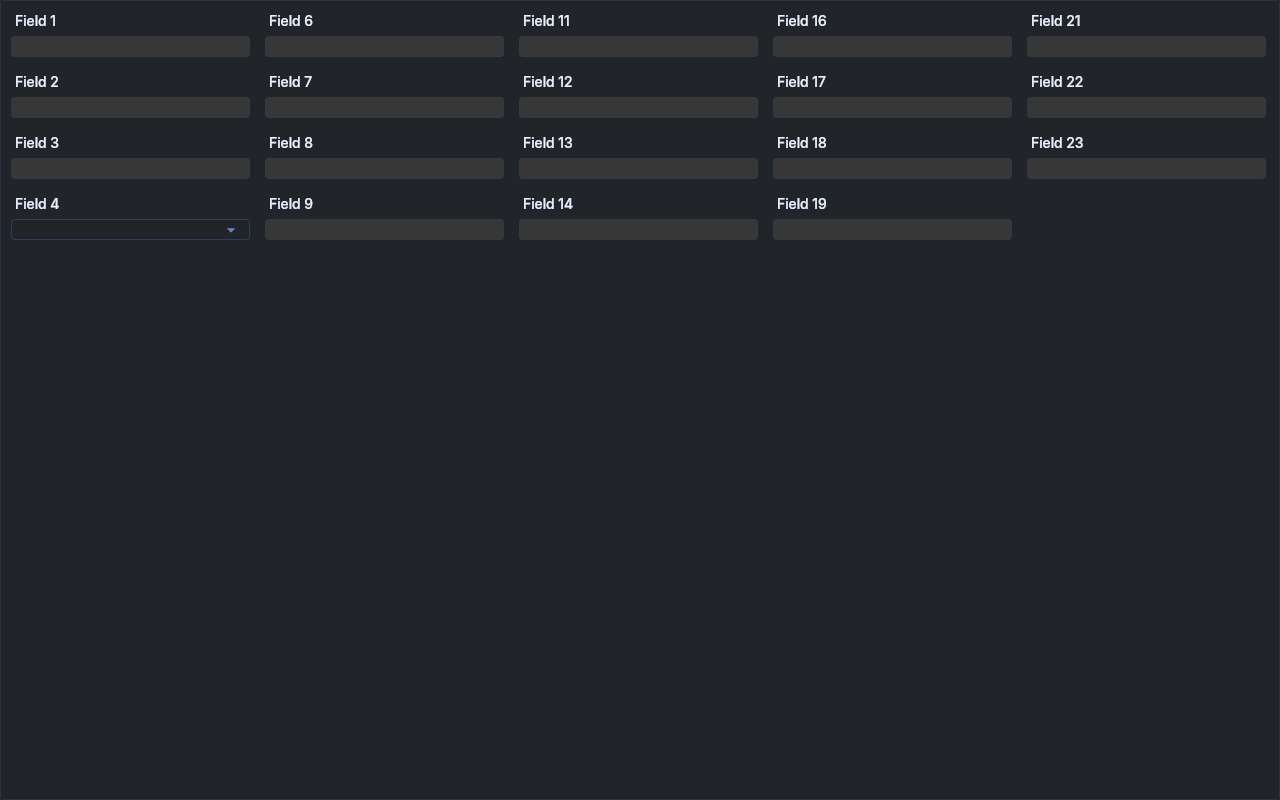
A five-column ColumnLayout form of label-over-field cells, one of them a DROP_DOWN Combo, with a
hidden cell at the end of each of the first four columns. ColumnLayout stacks cells by height, so
the rows only line up across the form while the Combo cell is about as tall as a Text cell; a
taller Combo pushes the hidden cell to the top of the next column and every later column starts
one row lower.
ComboColumnLayoutFormSnippet.java
Keyboard Snippet
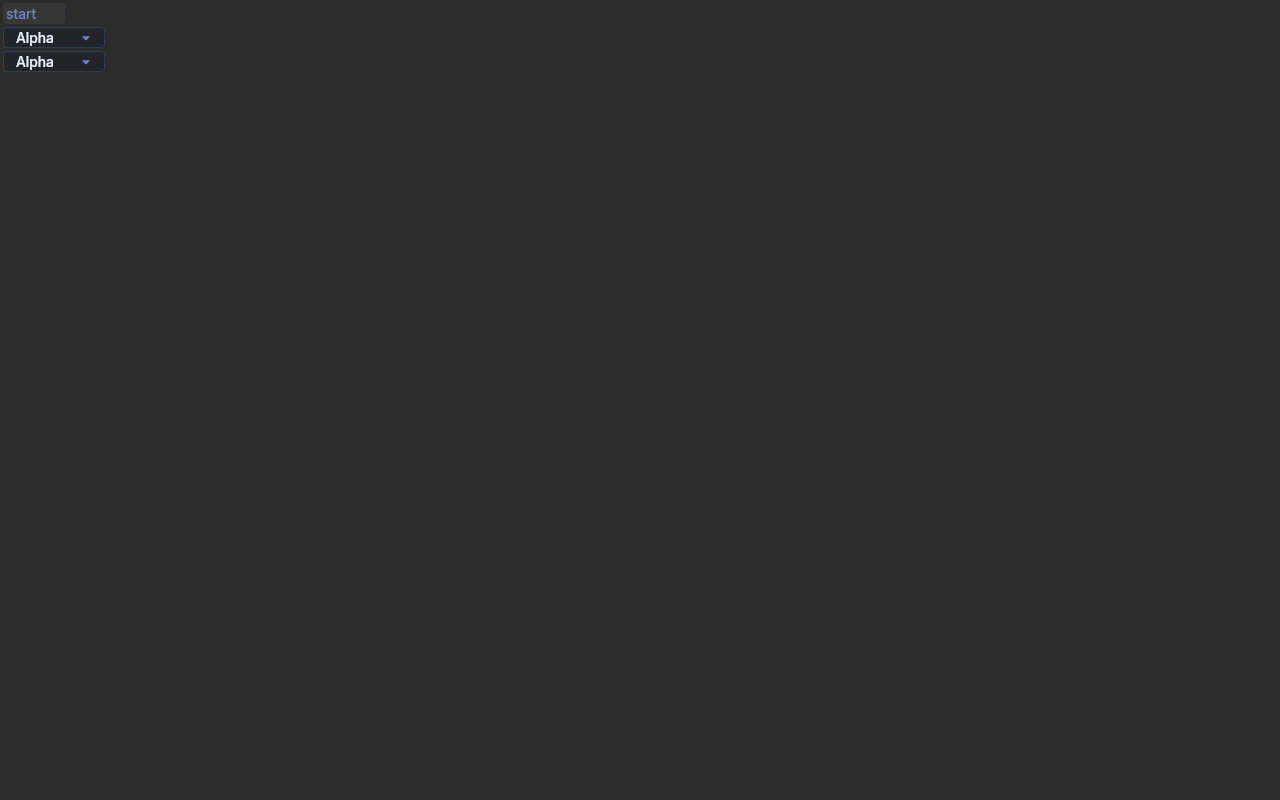
Drives a READ_ONLY and an editable Combo from the keyboard, reached with Tab. Up/Down/Home/End/PgDn
move the selection and fire Selection, a letter selects the next item starting with it (READ_ONLY),
Alt+Down and F4 open the list, and Enter fires DefaultSelection. After every step the Combo's
selection index, text and list visibility are printed. Every event is printed with a [repro] prefix.
Run with {@code --drive} to send the keys with java.awt.Robot. For the native baseline, call
Config.defaultToEclipse() in place of the useEquo lines and run it with runEmbedExample.
ComboKeyboardSnippet.java
1 2 3 4 5 6 7 8 9 10 11 12 13 14 15 16 17 18 19 20 21 22 23 24 25 26 27 28 29 30 31 32 33 34 35 36 37 38 39 40 41 42 43 44 45 46 47 48 49 50 51 52 53 54 55 56 57 58 59 60 61 62 63 64 65 66 67 68 69 70 71 72 73 74 75 76 77 78 79 80 81 82 83 84 85 86 87 88 89 90 91 92 93 94 95 96 97 98 99 100 101 102 103 104 105 106 107 108 109 110 111 112 113 114 115 116 117 118 119 120 121 122 123 124 125 126 127 128 129 130 131 132 133 134 135 136 137 138 139 140 141 142 143 144 145 146 147 148 149 150 151 152 153 154 155 | |
Read Only Snippet

Demonstrates READ_ONLY combo widget.
This combo allows selection from a predefined list but doesn't allow typing.
ComboReadOnlySnippet.java
Selection After Tab Snippet
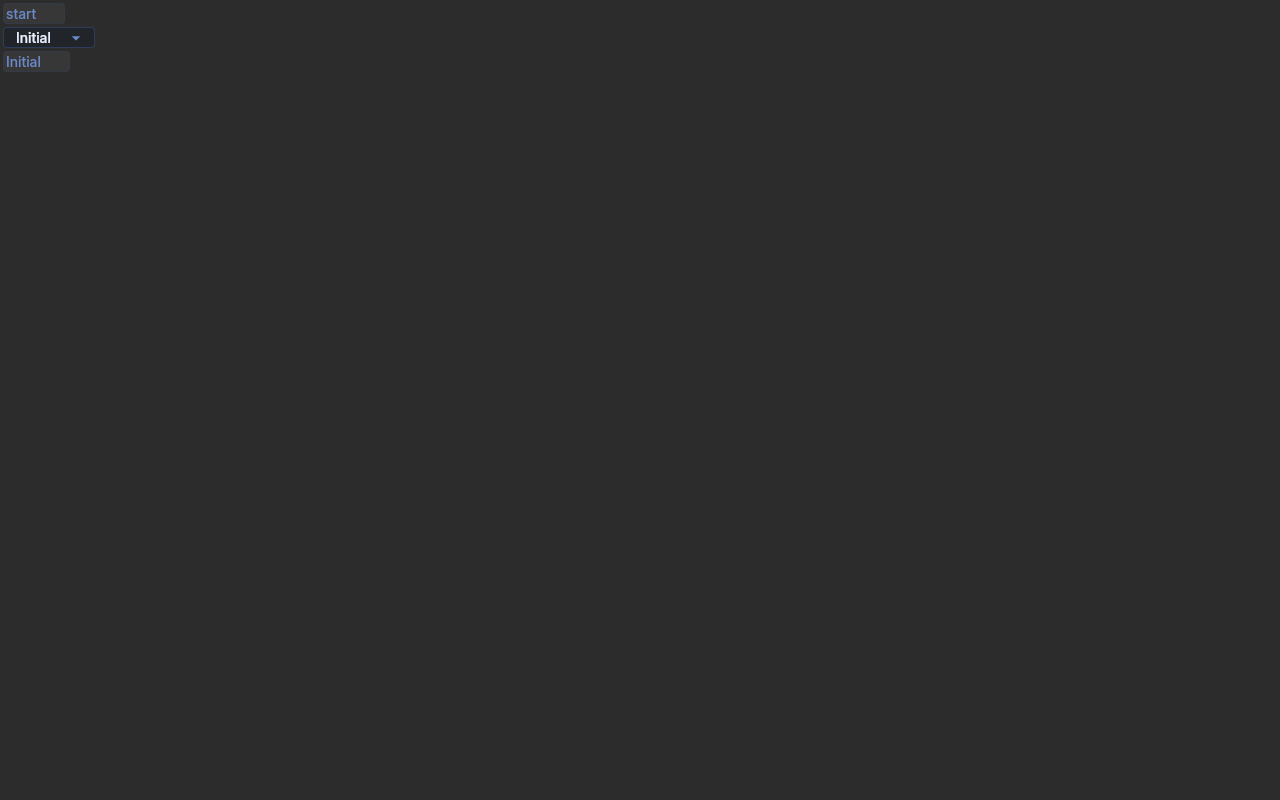
Tabbing into an editable Combo selects all of its text, and getSelection() reports that range; typing a
character then replaces the text and leaves the caret after it. The snippet prints getText(), getSelection()
and getCaretPosition() of an editable Combo and of a Text, both preset to "Initial", after a Tab into each and
after typing "x". On Windows the Combo reports (0,7) after the Tab and (1,1) after "x"; the Text keeps the
caret at the start, so "x" is inserted before its text.
Every line is printed with a [repro] prefix. Run with {@code --drive} to send the click and keys with
java.awt.Robot. For the native baseline, drop the Config lines and run it against the stock SWT jar.
ComboSelectionAfterTabSnippet.java
1 2 3 4 5 6 7 8 9 10 11 12 13 14 15 16 17 18 19 20 21 22 23 24 25 26 27 28 29 30 31 32 33 34 35 36 37 38 39 40 41 42 43 44 45 46 47 48 49 50 51 52 53 54 55 56 57 58 59 60 61 62 63 64 65 66 67 68 69 70 71 72 73 74 75 76 77 78 79 80 81 82 83 84 85 86 87 88 89 90 91 92 93 94 95 96 97 98 99 100 101 102 103 104 105 106 107 108 109 110 111 112 113 114 115 116 117 118 119 120 121 122 123 124 125 126 127 128 129 130 131 132 133 134 135 136 137 138 139 140 141 142 143 144 145 146 147 148 149 150 151 152 153 154 155 156 157 158 159 160 161 162 163 164 165 | |