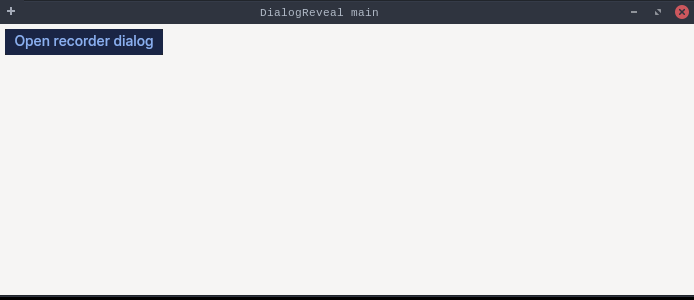
packagedev.equo;importdev.equo.swt.Config;importorg.eclipse.swt.SWT;importorg.eclipse.swt.layout.GridData;importorg.eclipse.swt.layout.GridLayout;importorg.eclipse.swt.widgets.*;/** * A dialog built the way recorder-style tools do it: a secondary * Shell is created and opened first, and its content is built in a later * event-loop iteration. The content payload then travels on the Shell's own * channel while the Flutter side is still mounting it from the Display embed — * exactly the buffered-payload window that used to leave the dialog empty. */publicclassDialogRevealSnippet{publicstaticvoidmain(String[]args){Config.forceEquo();Displaydisplay=newDisplay();Shellshell=newShell(display);shell.setText("DialogReveal main");shell.setLayout(newGridLayout(1,false));Buttonopen=newButton(shell,SWT.PUSH);open.setText("Open recorder dialog");open.addListener(SWT.Selection,e->{Shelldialog=newShell(shell,SWT.DIALOG_TRIM|SWT.APPLICATION_MODAL|SWT.RESIZE);dialog.setText("Web Recorder");dialog.setLayout(newGridLayout(2,false));dialog.setSize(520,260);dialog.open();// Populate AFTER the open reached Flutter, mirroring apps that build// the dialog's form while the dialog is already showing.display.asyncExec(()->{Labellbl=newLabel(dialog,SWT.NONE);lbl.setText("Recorder Setting");lbl.setLayoutData(newGridData(SWT.FILL,SWT.CENTER,true,false,2,1));ButtonnewBrowser=newButton(dialog,SWT.RADIO);newBrowser.setText("New Browser");newBrowser.setSelection(true);ButtonactiveBrowser=newButton(dialog,SWT.RADIO);activeBrowser.setText("Active Browser");Labelurl=newLabel(dialog,SWT.NONE);url.setText("URL");TexturlText=newText(dialog,SWT.BORDER);urlText.setMessage("Enter URL");urlText.setLayoutData(newGridData(SWT.FILL,SWT.CENTER,true,false));Buttonstart=newButton(dialog,SWT.PUSH);start.setText("Start Record");start.setLayoutData(newGridData(SWT.END,SWT.CENTER,false,false,2,1));dialog.layout(true,true);});});shell.setSize(700,300);shell.open();while(!shell.isDisposed()){if(!display.readAndDispatch())display.sleep();}display.dispose();}}